/blog
Link management 101
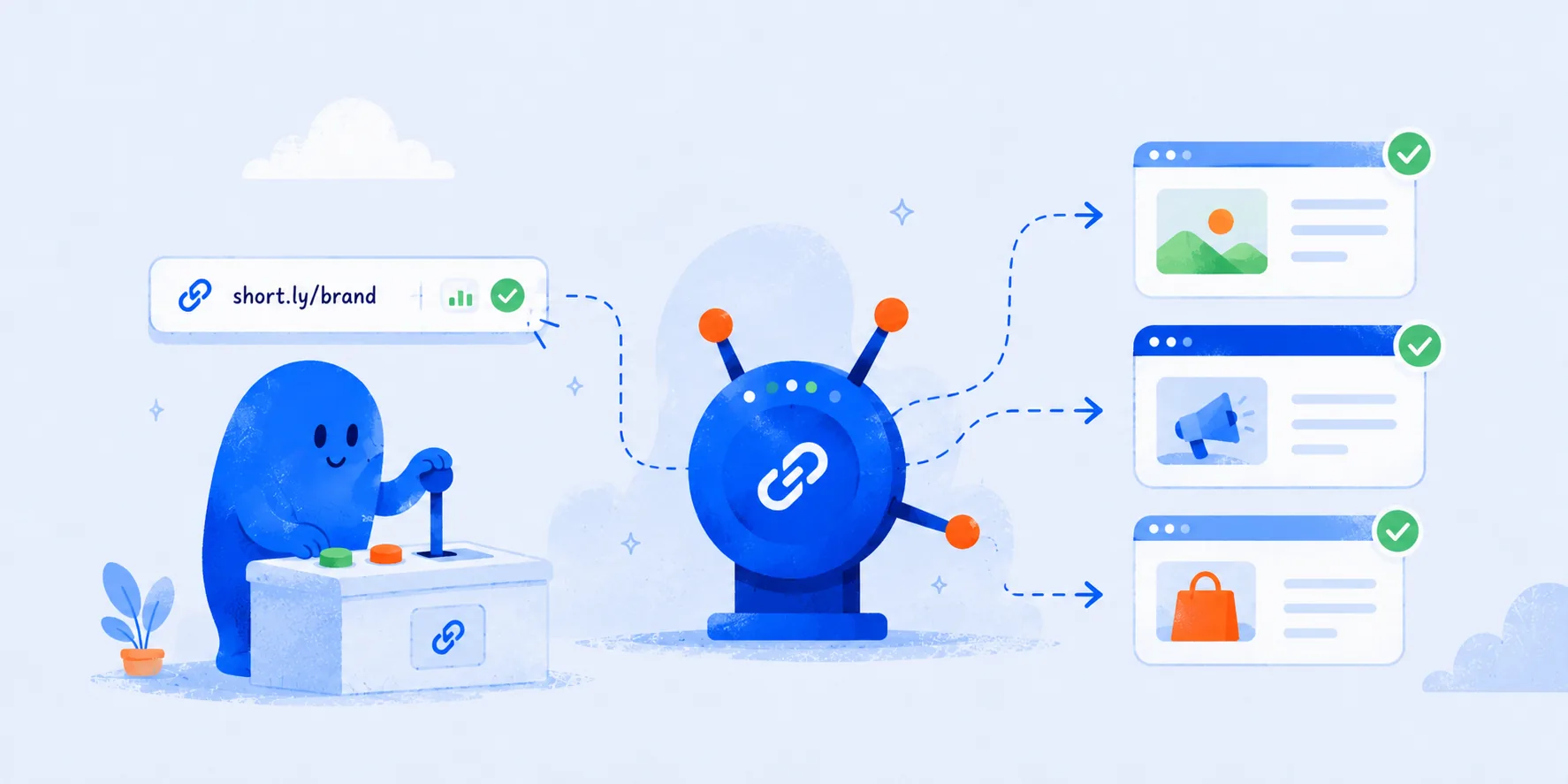

A link you have published is a link you can no longer edit. It is in someone's inbox, in a podcast description, on a conference badge, in a PDF a customer downloaded eight months ago. When the page it points to moves, every one of those copies breaks at once, and you find out from a support ticket.
Link management is the practice of keeping control of those addresses after they leave your hands. In practice it means the links you share publicly go through one system you own, so you can change where they point, see what they did, and keep them on your own domain.
What the practice actually covers
Ownership. The address you publish sits on a domain you control, like go.acme.com, rather than a shared shortener domain. If the tool goes away, you keep the domain and the links keep resolving. If it does not go away, every link still reinforces your brand instead of someone else's.
Redirection. The published address and the destination are two different things. Changing the destination is an edit, not a republish, so a moved pricing page or a rotated campaign landing page costs you a minute rather than a recall.
Measurement. Clicks are counted as they pass through, which tells you what a given channel is worth without waiting for the destination's own analytics to agree with you.
Naming. Someone decides what the path after the slash says. go.acme.com/pricing survives being read aloud on a call. go.acme.com/x7fQ2 does not.
Why it matters more than it sounds
The value shows up at the moments you cannot plan for. A campaign landing page underperforms and you want to send the traffic somewhere else mid-flight. A partner's URL structure changes and forty of your outbound links go stale. Marketing rebrands a product and every deep link in your help centre points at the old name.
Each of those is a small crisis if the address was published raw, and an afternoon's work if it was published through a link you own. That is most of the argument for the practice.
A setup you can put in place this week
Start by connecting a domain. A subdomain of the one you already own is enough, and in GoGoLink connecting one takes a CNAME record and a few minutes for the certificate to issue. It is available on every plan, so there is nothing to upgrade to first.
Then agree on how paths are named. Readable words, lowercase, hyphens between them, and a rule for what happens when two campaigns want the same word. Most teams settle on a short prefix per channel or per quarter.
Separate work that should not be mixed. If you run several brands or several clients, keep each one in its own workspace so links, domains, and click data never bleed across.
Tag anything you plan to compare later. UTM parameters are what let you tell a newsletter's clicks apart from a paid ad's after both have landed on the same page. If that part is new, we wrote an introduction.
Finally, look at the numbers on a schedule rather than only when something goes wrong. Once a month is enough to notice a link that stopped getting clicks, which is usually the first sign that a page moved and nobody said anything.
The part people skip
None of this is hard, which is exactly why it keeps getting postponed. The setup costs an hour and returns nothing at all until the day it saves you an afternoon.
Start narrow. One subdomain, one rule for how paths get named, and next week's campaign runs through it. Everything older can stay where it is. Retrofitting what you already sent out is rarely worth the effort. Not adding to the pile is.